This article describes how to uninstall Vitextra products from an on-premise environment.
Preconditions
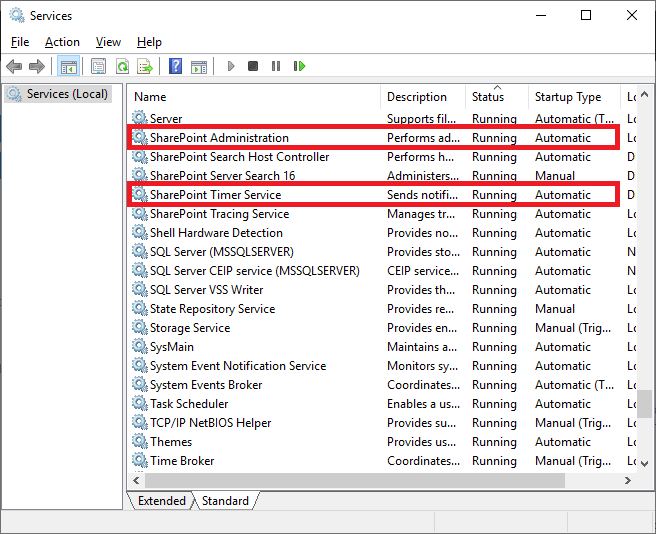
SharePoint Services
Before the uninstalling process, please make sure these services are running on the SharePoint Server:
- SharePoint Administration
- SharePoint Timer Service
Required Permissions
To perform the uninstalling procedure, you must have the following permissions and rights:
- Member of the local server Administrators group
- Member of the Farm Administrators group
Installation package
Download the zip file (*.zip) of the product from the downloads page and unpack it to the SharePoint Front-End server where the uninstalling process will be performed.
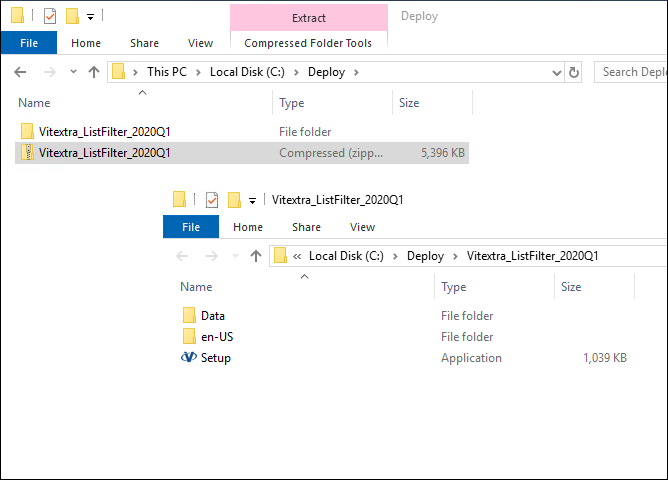
Uninstalling
To uninstall Vitextra product, run the product installer and select Uninstall:
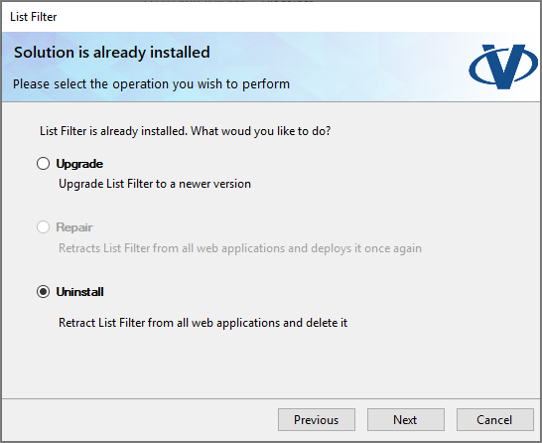
Click Next and wait until the uninstallation process is completed.